Equipment Checkout Software: Who Has It vs Where It Is
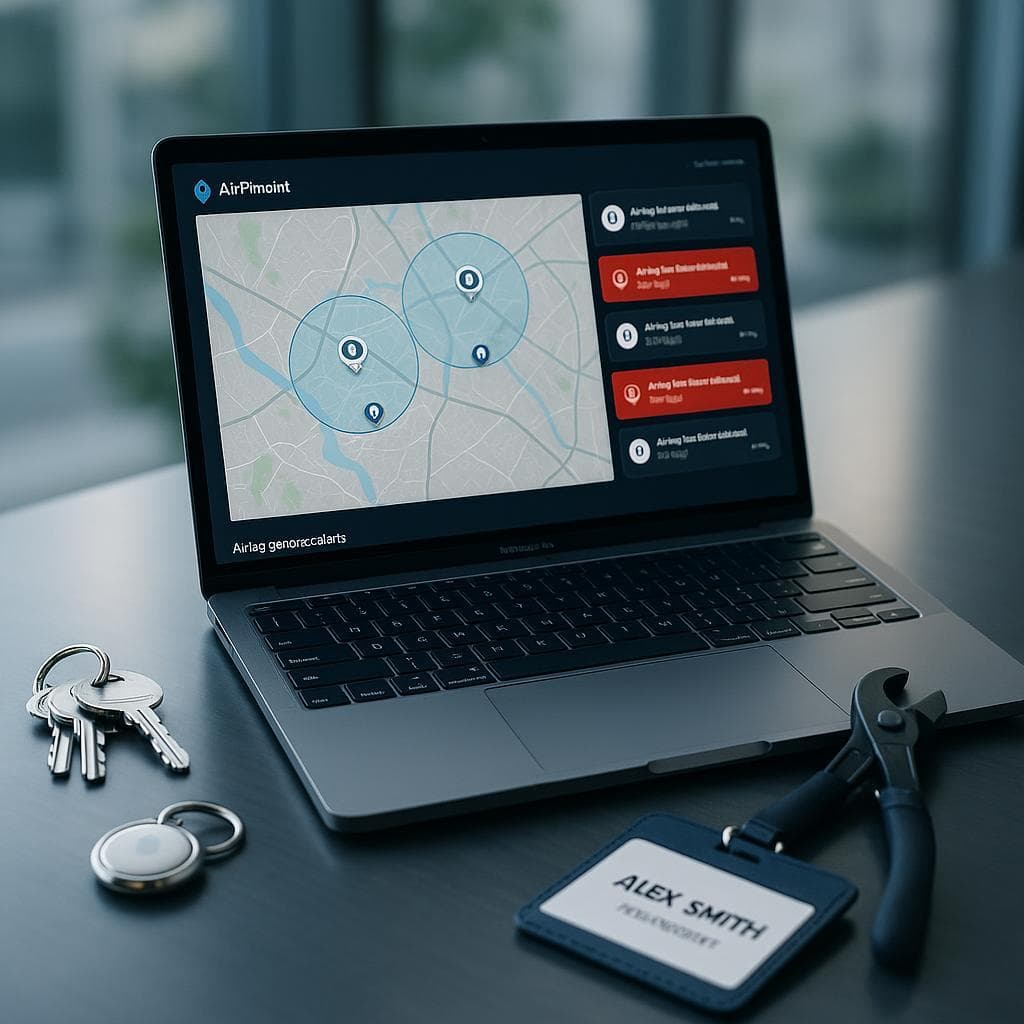
Most equipment checkout software tracks who signed an item out, not where it physically is. Cheqroom, EZOfficeInventory, and Sortly all log custody through a QR scan, so the record only updates when someone remembers to scan. Airpinpoint adds the missing layer: an Apple AirTag on each asset reports real location automatically, with no scanning, at $11.99/device/month. The best setup runs both, a checkout workflow for who has it and Airpinpoint for where it actually is.
What is the best equipment checkout software?
The best equipment checkout software depends on what you are actually missing. If your team reliably scans and you need reservations plus QR check-in and check-out, Cheqroom, EZOfficeInventory, or Sortly handle that well. If the real pain is gear that disappears, the best setup is Airpinpoint plus AirTags, because it adds physical location to checkout: it shows where each asset is whether or not anyone scanned it. Checkout-only tools answer who signed it out; Airpinpoint answers where it is right now.
How is Airpinpoint different from Cheqroom or EZOfficeInventory?
Airpinpoint tracks WHERE an asset physically is; Cheqroom and EZOfficeInventory track WHO signed it out and when it is due back. Checkout-only software updates location only when a person scans a QR code, so the location goes stale the second someone forgets. Airpinpoint puts an Apple Find My tag on the asset itself, so its position updates automatically off the 2.5 billion devices in the Find My network, with no app and no scan from your team. They solve different problems and pair well: use the checkout tool for custody and reservations, Airpinpoint for ground truth about physical location.
| Capability | Airpinpoint | Cheqroom | EZOfficeInventory | Spreadsheet |
|---|---|---|---|---|
| Physical location of asset | Yes, automatic via Find My | Manual, only when scanned | Manual, only when scanned | No |
| Custody (who signed it out) | Pair with checkout tool | Yes | Yes | Manual |
| QR / barcode check-in/out | Pair with checkout tool | Yes | Yes | No |
| Reservations / scheduling | No | Yes | Yes | No |
| Works without anyone scanning | Yes | No | No | No |
| Geofence alerts (email + webhook) | Yes | No | No | No |
| Location history, exportable | Yes | No | No | No |
| Pricing | $11.99/device/mo + $29 AirTag | Published per-admin plans | Published per-user/item plans | Free |
How does AirTag-based checkout work?
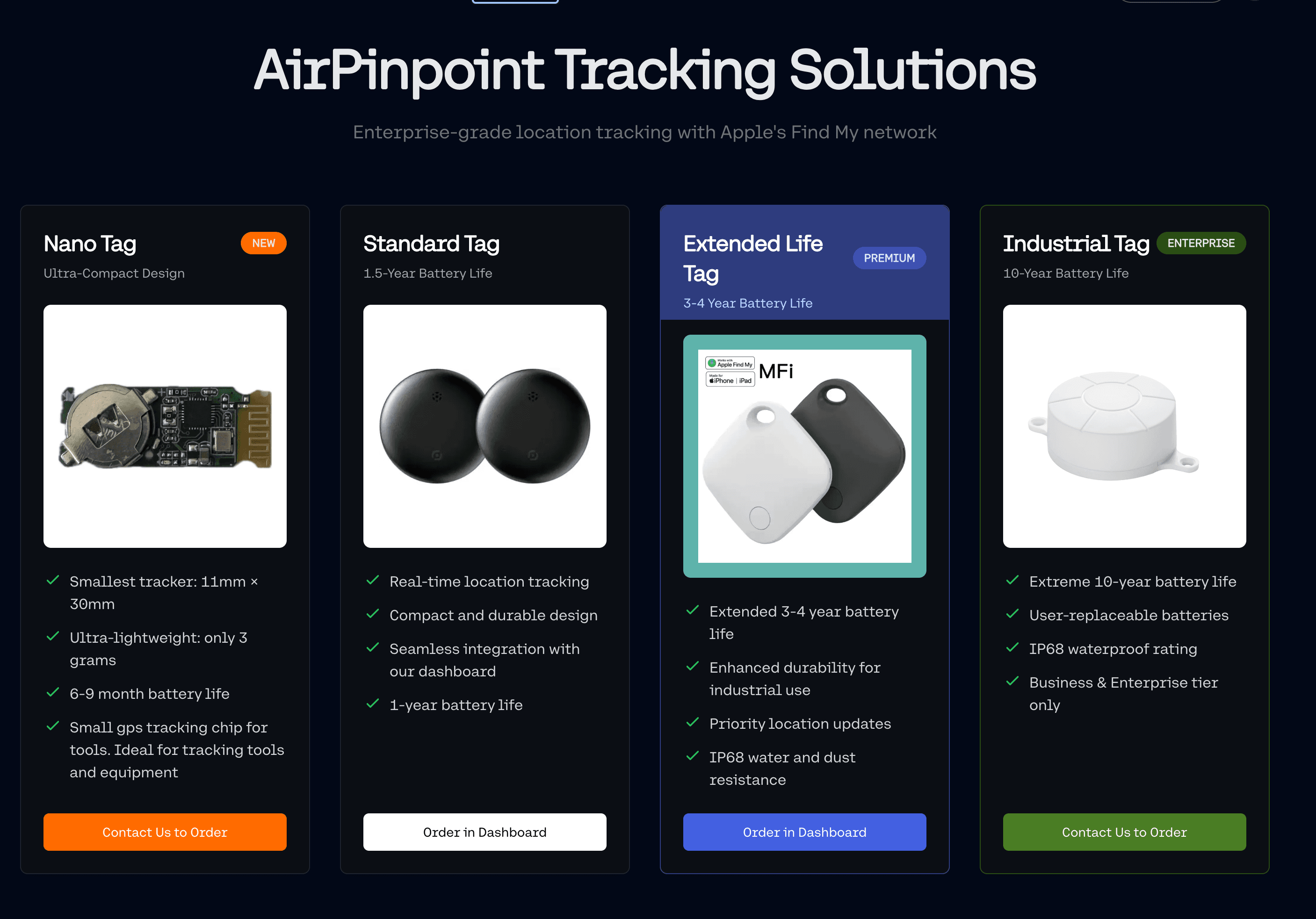
You attach an Apple AirTag (or an Airpinpoint custom Find My beacon) to each asset and register it in the Airpinpoint dashboard. The tag broadcasts a Bluetooth signal that nearby Apple devices relay to Apple's servers, so its location updates automatically with no app or scan from your team. When someone signs gear out in your checkout workflow, Airpinpoint shows you where that gear actually is. A forgotten check-in no longer means a lost asset, because the tag keeps reporting whether or not anyone touched the log.
The 90-day compliance problem with scan-only checkout
Equipment checkout software works well for about 90 days. Then compliance drops and you're back to wondering who has the generator.
Every organization that loans equipment to employees hits this wall. You deploy Cheqroom or EZOfficeInventory. QR stickers go on everything. The kickoff meeting gets everyone excited. For three months, people scan religiously. Then real life takes over.
A technician in a rush grabs the thermal camera without scanning. A project manager borrows the surveying kit "just for an hour" and forgets to check it back in. The night shift returns the pressure washer to the wrong shelf and never scans the return. Your checkout log now says the thermal camera is available (it isn't), the surveying kit is with Dave (Dave returned it last week), and the pressure washer is missing (it's on shelf 3B).
This isn't a software problem. Every platform on the market does checkout logging well. It's a human compliance problem. And it's the reason location tracking exists as a complementary layer.
What each checkout platform does well
If you need reservation and check-out functionality, the established platforms each have a niche. Pricing below is described by published model rather than a quoted number, because vendor plans change; check the vendor's current pricing page for exact figures.
Snipe-IT is the budget pick. Open source, self-hosted, no asset limits, no user limits. The tradeoff: you manage the server, backups, and updates yourself, and a hosted tier removes that burden for a monthly fee. Check-out and check-in with full audit trail included. Free to self-host.
EZOfficeInventory scales for organizations with lots of items. Its published model offers unlimited users so you don't pay more as your team grows, with maintenance scheduling and service desk integrations at higher tiers. QR and barcode check-in/check-out.
Sortly is a visual, mobile-first inventory and checkout app with QR labels and a clean folder structure, popular with smaller teams. QR/barcode based.
Cheqroom targets equipment-heavy organizations like media production houses, universities, and event companies. Its published model prices per admin user, so the people borrowing equipment don't cost extra. Strong reservation and scheduling features for shared equipment pools, with QR and NFC check-in.
What every one of these shares: location only updates when a person scans. That is the gap Airpinpoint fills.
Is there free equipment checkout software?
Yes. Self-hosted Snipe-IT is free, and a spreadsheet or paper sign-out sheet costs nothing. Free options track custody, but they depend entirely on people remembering to update them, and none tell you where an item physically is. Airpinpoint is not free, but at $11.99/device/month plus a $29 AirTag it adds the one thing free checkout tools cannot: automatic location, so you stop spending hours hunting for gear the log says is checked in.
The 90-Day Compliance Cliff
Every checkout system depends on one thing: people remembering to scan.
Research from construction technology adoption studies shows that hesitant employees are the single biggest barrier to technology adoption on job sites. This isn't unique to construction. IT departments, film production companies, universities, and healthcare facilities all report the same pattern.
Here's the typical adoption curve:
Month 1-3: Compliance runs 85-95%. The system is new. Management is watching. Everyone scans.
Month 4-6: Compliance drops to 70-80%. The novelty wears off. Busy periods mean shortcuts. "I'll scan it later" becomes common.
Month 7-12: Compliance stabilizes at 55-70%. Only the most disciplined teams maintain higher rates. The checkout log becomes increasingly unreliable.
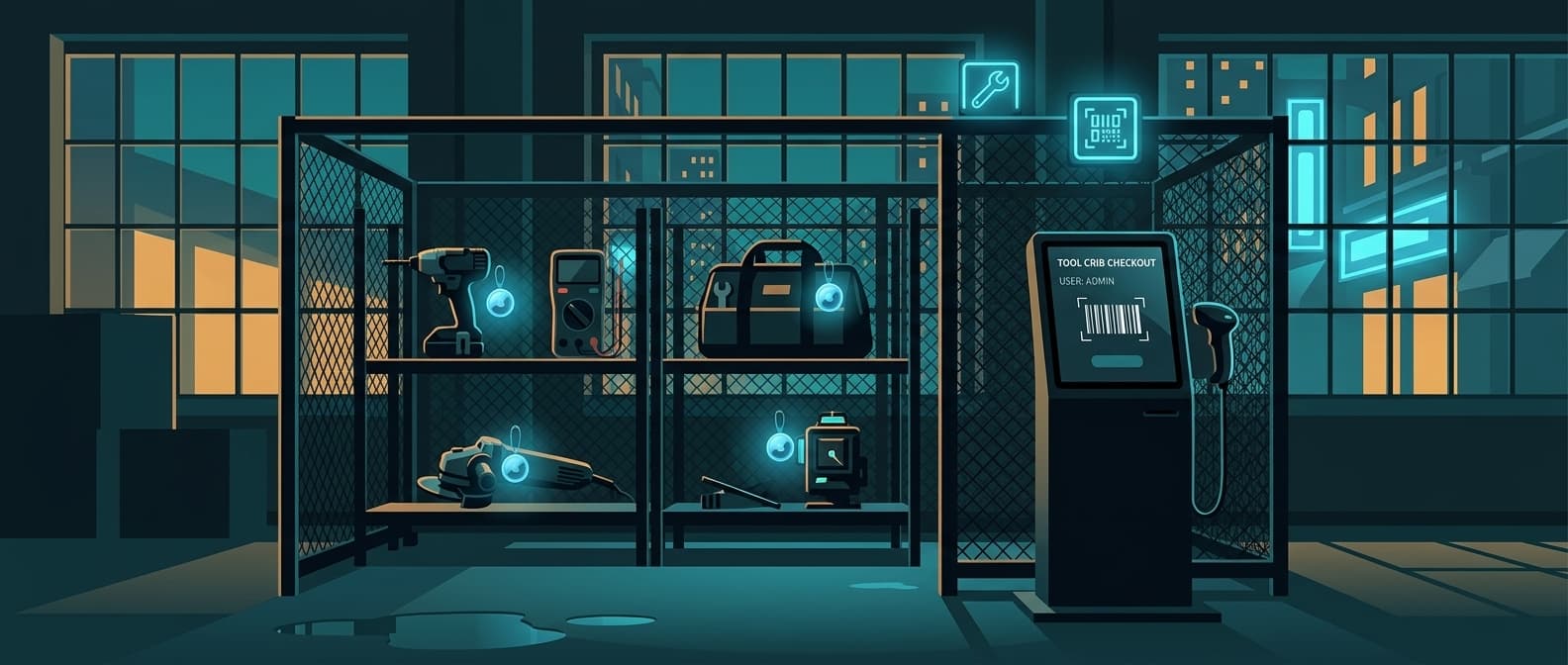
After 12 months: Organizations either accept the gap, invest in enforcement (dedicated tool crib attendants, RFID gates), or add a complementary tracking layer.
The checkout log says the oscilloscope is with Lab 3. But Lab 3 returned it a week ago and nobody scanned the return. A new tech needs it and spends 45 minutes looking. This scenario repeats hundreds of times a year across most organizations.
What Checkout Software Can't Tell You
Checkout software answers: "Who checked this out and when is it due back?"
It cannot answer:
- Where is it right now? The log says Building C. Is it actually in Building C?
- Was it returned to the right location? Someone scanned the return but put it on the wrong shelf.
- Did it leave the premises? No scan means no record.
- Where do items actually spend their time? Utilization data depends on accurate check-in times, which depend on compliance.
These gaps widen as compliance drops. By month 6, your checkout data is a rough approximation, not ground truth.
Location Tracking as a Safety Net
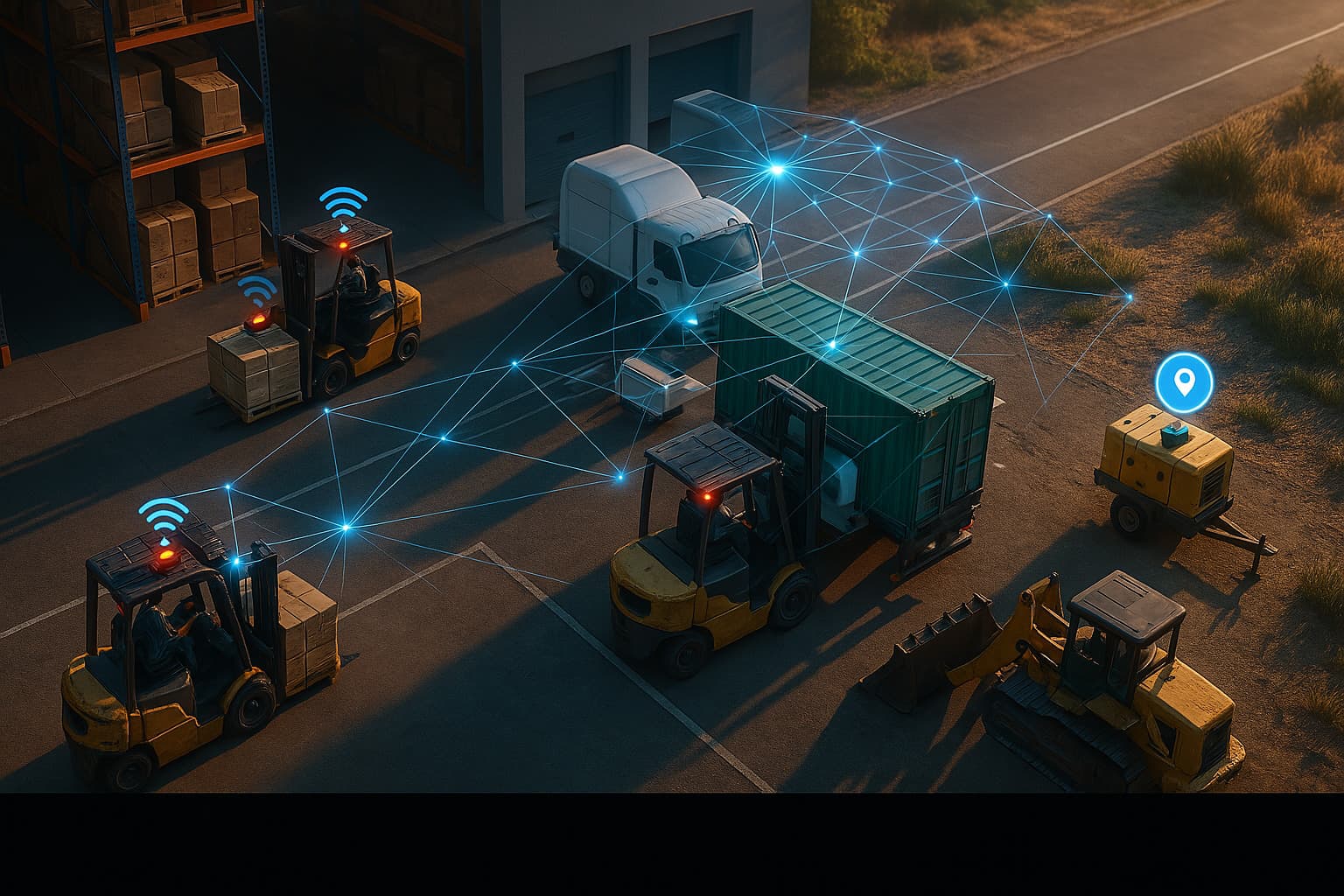
This is where BLE-based tracking fills the gap. An Apple Find My compatible tag on each asset broadcasts its location passively. No scanning. No human compliance needed. The tag works whether someone remembered to check it out or not.
| Capability | Checkout Software | Location Tracking (Airpinpoint) | Both Together |
|---|---|---|---|
| Who has it | Yes | No | Yes |
| When it's due back | Yes | No | Yes |
| Where it is right now | No | Yes | Yes |
| Reservation/scheduling | Yes | No | Yes |
| Works without scanning | No | Yes | Yes |
| Custody audit trail | Yes | No | Yes |
| Geofence alerts | No | Yes | Yes |
| Compliance-independent | No | Yes | Yes |
Neither system alone covers everything. Checkout software gives you the paper trail: custody records, reservation scheduling, compliance documentation, overdue alerts. Location tracking gives you ground truth: where things physically are regardless of what the log says.
How much does it cost?
Airpinpoint pricing is per device, per month, with no per-user fees and no contracts:
- Business plan: $11.99/device/month. Includes the asset dashboard, polygon geofencing, location history, team access, and email alerts.
- Enterprise plan: $14.99/device/month. Adds REST API access, webhook integrations, priority support, and custom long-life beacon options.
- Hardware: an Apple AirTag is $29 per tag, one-time. Airpinpoint also sells custom Find My beacons with 7+ year battery life for assets you cannot service often.
If you already run checkout software, adding Airpinpoint is incremental: you keep the checkout tool for custody and reservations and put a $29 tag on the high-value, high-loss items so you always know where they physically are. A single Airpinpoint dashboard tracks 500+ assets with no 32-item Apple ID limit, and unlike a fixed RFID gate at the tool crib door, Airpinpoint tracks assets everywhere they go.
Industry-Specific Checkout Challenges
Construction
Equipment moves between job sites constantly. A checkout log at the main warehouse doesn't help when tools get shuttled directly between sites without returning to base. Barcode stations at every site entrance are impractical for temporary job sites.
Location tracking shows exactly which site has which equipment, updated automatically as crew members' iPhones pass nearby.
Film and Media Production
Camera bodies, lenses, lighting rigs, and audio equipment cycle through multiple productions simultaneously. Checkout logs get complicated fast when the same C-stand is reserved for a morning shoot, returned at lunch, and sent to an afternoon production. Missed returns delay the next production's setup.
Education (University AV/IT)
Students and faculty borrow laptops, projectors, cameras, and lab equipment. Compliance is notoriously low with transient users who don't build habits around the checkout process. Semester-end equipment audits routinely find 10-20% of items not where the system says they are.
Healthcare
Infusion pumps, wheelchairs, portable monitors, and diagnostic equipment move between floors and departments. A nurse grabbing a portable pulse oximeter from a neighboring unit during a busy shift isn't going to find a barcode scanner. The equipment moves. The log doesn't update.
IT Departments
Laptops, monitors, peripherals, and test devices checked out to employees who work from home. "Return by end of project" becomes "return never" without active follow-up. Location tracking at least confirms whether the device is at the employee's registered location or has gone off-grid.
How to Choose Equipment Checkout Software
If you want a free, self-owned tool and a technical team: Start with Snipe-IT self-hosted. It's free, full-featured, and you own your data. Add Airpinpoint for location.
If you need turnkey simplicity with lots of items: EZOfficeInventory or Sortly. Both offer quick setup, cloud hosting, and mobile QR apps without server management. EZOfficeInventory scales for larger item counts; Sortly is the visual, mobile-first option for smaller teams.
If you manage shared equipment pools (media, events, education): Cheqroom. The reservation and scheduling features are strongest here, and pay-per-admin pricing keeps costs predictable.
If your real problem is finding gear, not paperwork: Lead with Airpinpoint and pair a checkout tool only if you also need reservations. Every checkout platform above depends on someone scanning for its location to be accurate. Airpinpoint doesn't.
Setting Up Checkout + Tracking Together
Step 1: Deploy checkout software first. Get your asset database built, barcodes printed, and checkout workflows established. This creates the custody trail you need for accountability and compliance documentation.
Step 2: Attach AirTags to high-value and high-loss items. Start with the equipment that causes the most headaches: generators, specialty tools, expensive instruments, items that move between sites. At $29 per AirTag plus $11.99/month, prioritize the assets whose loss or misplacement costs more than the tracking.
Step 3: Use location data to validate checkout records. When your checkout log says the surveying kit is with Dave at Site B, Airpinpoint should confirm it's at Site B. Discrepancies reveal compliance gaps you can address with specific teams or individuals.
Step 4: Set geofences for key locations. Draw boundaries around your warehouse, job sites, offices. Get alerts when equipment leaves a boundary unexpectedly. This catches theft and unauthorized movement that checkout logs miss entirely.
Step 5: Run monthly reconciliation. Compare checkout records against actual locations. The gap between "where the system says it is" and "where it actually is" measures your checkout compliance rate. Track this over time. It tells you whether process changes are working.
Honest Limitations of Location Tracking
Not a replacement for checkout software. Airpinpoint tells you where equipment is. It doesn't tell you who authorized the move, when it's due back, or whether it's been reserved for tomorrow's project. You need both systems.
Location updates depend on nearby Apple devices. In populated areas (offices, job sites, campuses, hospitals), updates come every few minutes. In remote locations with no foot traffic, updates pause until someone with an iPhone comes within Bluetooth range.
No integration between checkout platforms and Airpinpoint. Today these run as separate systems. You check the checkout log for custody. You check Airpinpoint for location. There's no automatic sync between the two.
BLE tags don't record who moved the item. If a generator moves from Site A to Site B, Airpinpoint shows the movement. It doesn't show who put it on the truck. That's what the checkout log is for, assuming someone scanned it.
The Takeaway
Equipment checkout software solves the accountability problem: who has what and when it's due. It's essential for compliance documentation, reservation scheduling, and custody tracking.
But every checkout system has a single point of failure: human compliance. The moment someone skips the scan, you lose visibility. And they always skip the scan eventually.
Location tracking removes the human from the equation for the "where is it" question. It works whether compliance is 95% or 55%. It's the safety net that catches everything the barcode scanner misses.
Run both. Use checkout software for the paper trail. Use Airpinpoint for ground truth.
 Our Solution